

First run
Create your account
Section titled “Create your account”The first time you open Nutria, it asks you to create the account that owns the instance. Enter your name, email and a password of at least 12 characters, then Create account.
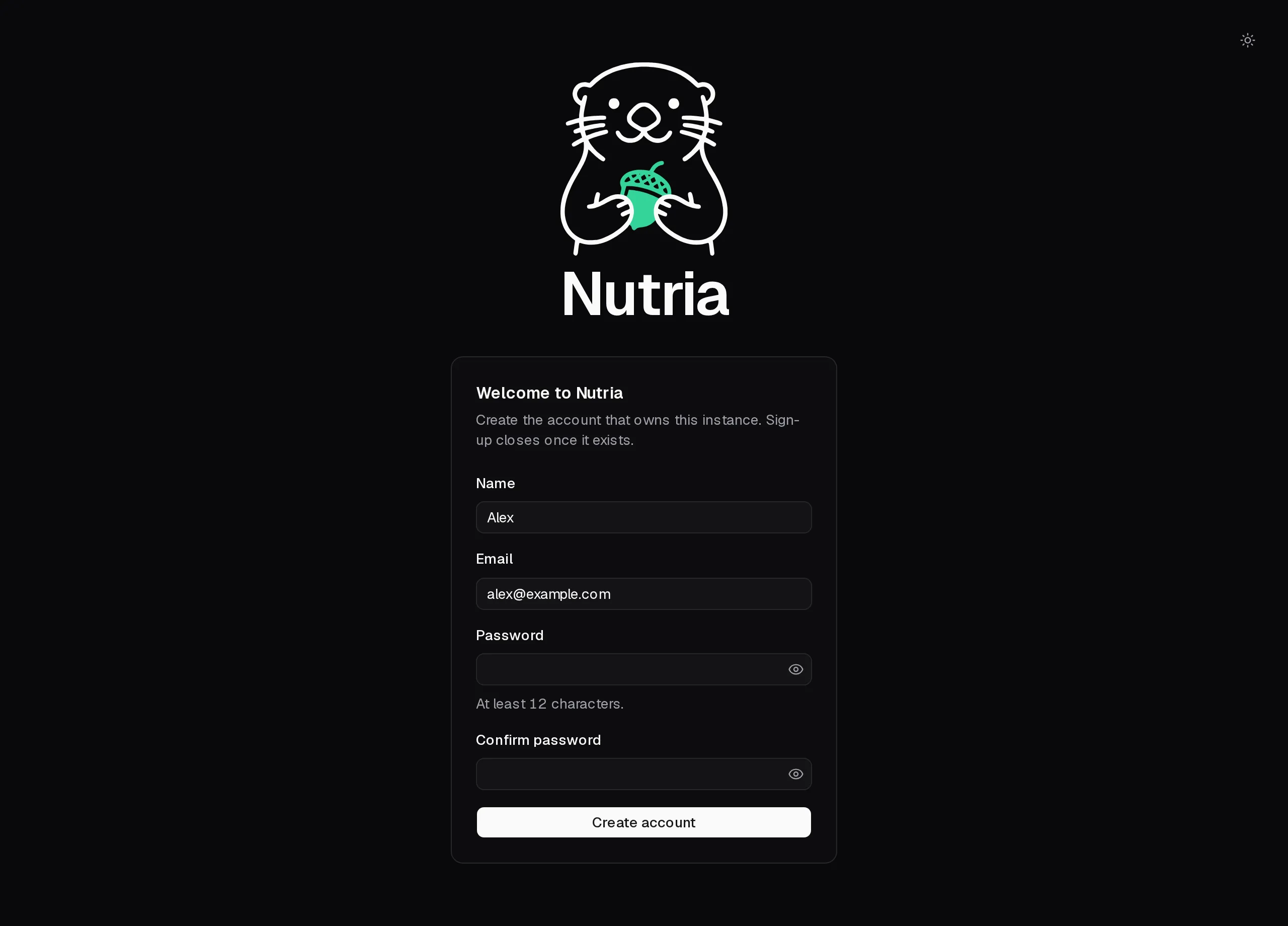
Nutria has a single account per instance. Once yours exists, sign-up closes for good.
The welcome tutorial
Section titled “The welcome tutorial”A short tutorial then opens on the Today page. It walks through the four steps Nutria is built around:
- Set your budget: daily calories and macros, split across your meals.
- Build your library: save your ingredients, then combine them into meals.
- Plan your week: put meals on the calendar.
- Tick off today: mark what you ate and see what’s left.
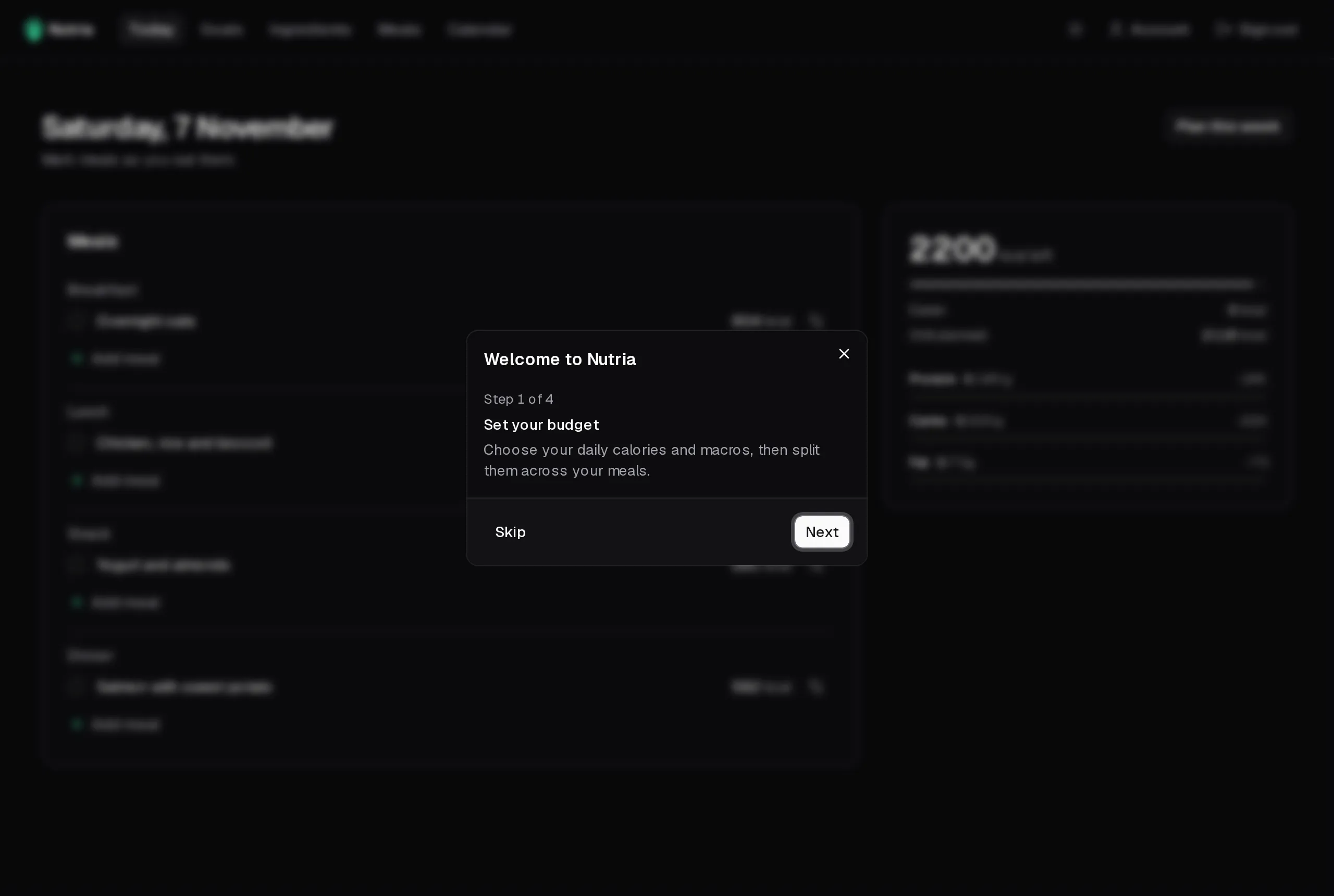
You can replay it any time from the Account page.